
Give a church
a helping hand.
Your gift helps a church display scriptures and prepare slides with less manual work, giving its media team more time to support the service.
 MOST POPULAR


Powerful features for
every part of your service

Never miss a scripture
Bring spoken scripture to the screen in real time, without searching for references.

Keep presenting offline
Keep scriptures and slides on screen when the internet drops. Optional offline transcription is included with Plus and Core.
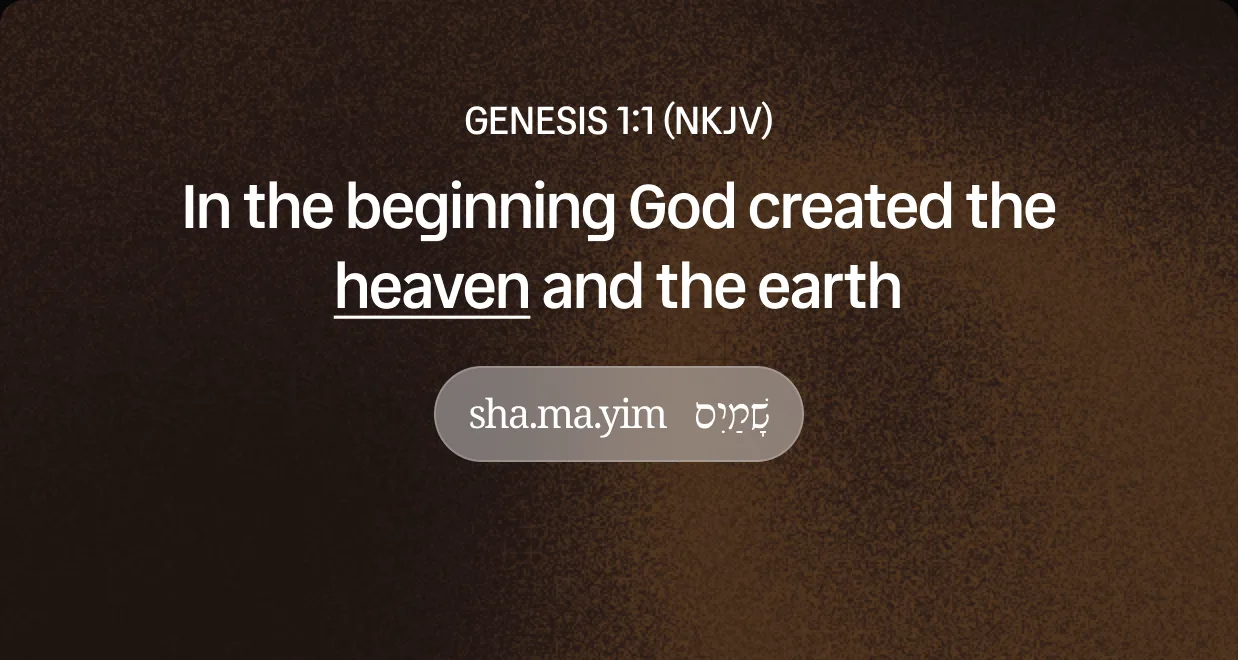
Explore the meaning
Explore Greek and Hebrew meanings without leaving the verse.
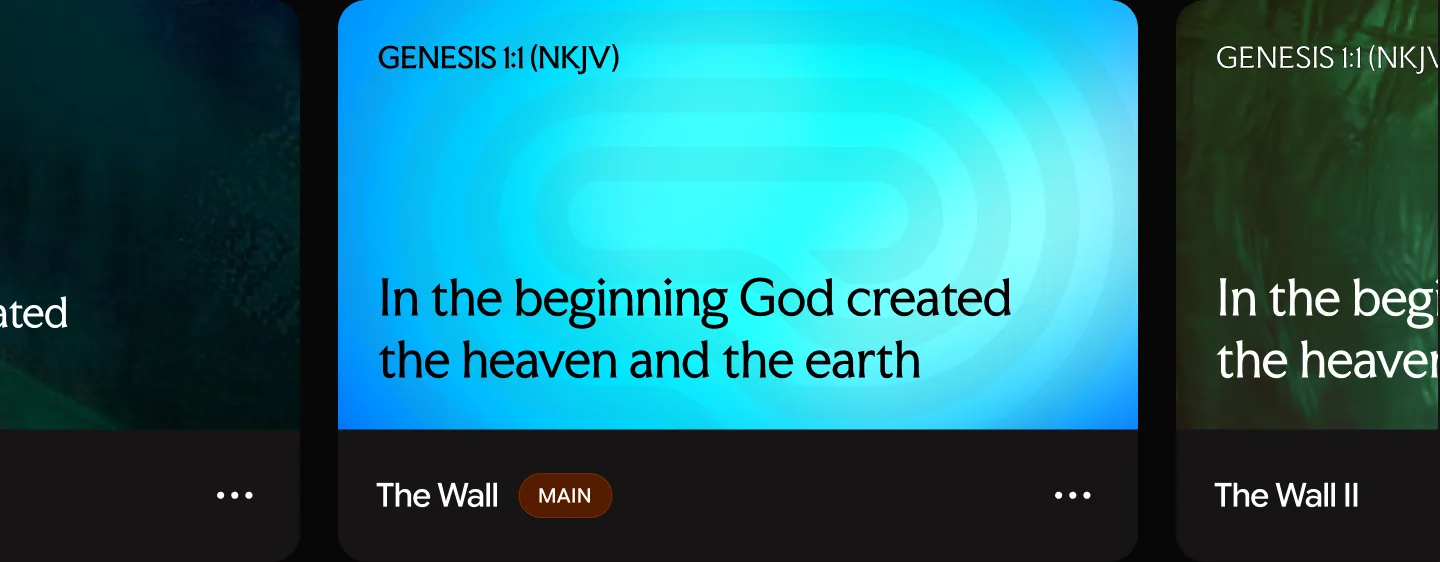
Make every screen yours
Build and reuse themes for scriptures, lyrics, and slides that match your church.
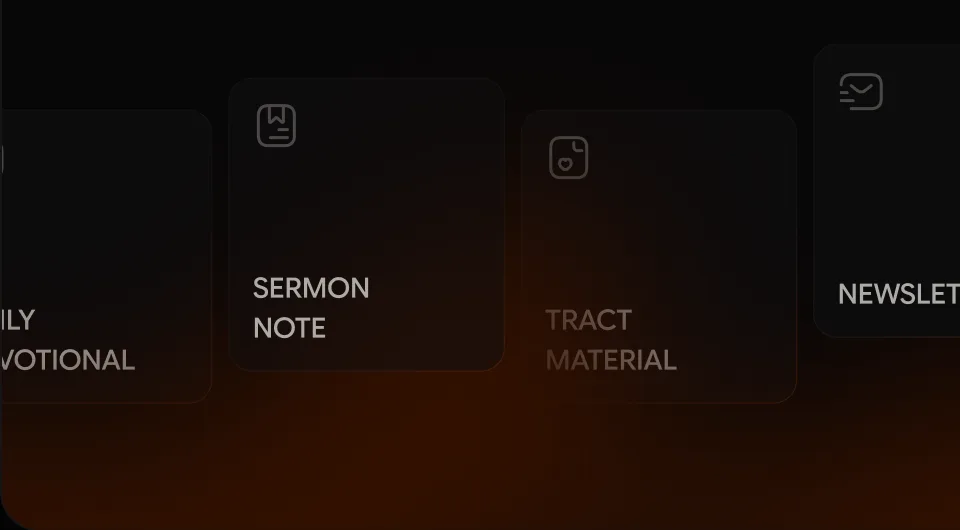
Create more from sermons
Turn sermons into notes, devotionals, and newsletters with Content Studio.

Turn sermon notes into slides
Generate presentation slides from sermon notes with AI, giving your team a head start.

Present by voice
Use voice commands to navigate your presentation without reaching for the keyboard.
Never miss a scripture
Bring spoken scripture to the screen in real time, without searching for references.
Keep presenting offline
Keep scriptures and slides on screen when the internet drops. Optional offline transcription is included with Plus and Core.
Explore the meaning
Explore Greek and Hebrew meanings without leaving the verse.
Make every screen yours
Build and reuse themes for scriptures, lyrics, and slides that match your church.
Create more from sermons
Turn sermons into notes, devotionals, and newsletters with Content Studio.
Turn sermon notes into slides
Generate presentation slides from sermon notes with AI, giving your team a head start.
Present by voice
Use voice commands to navigate your presentation without reaching for the keyboard.

DOWNLOADS
REFERENCES DETECTED
CHURCHES SERVED
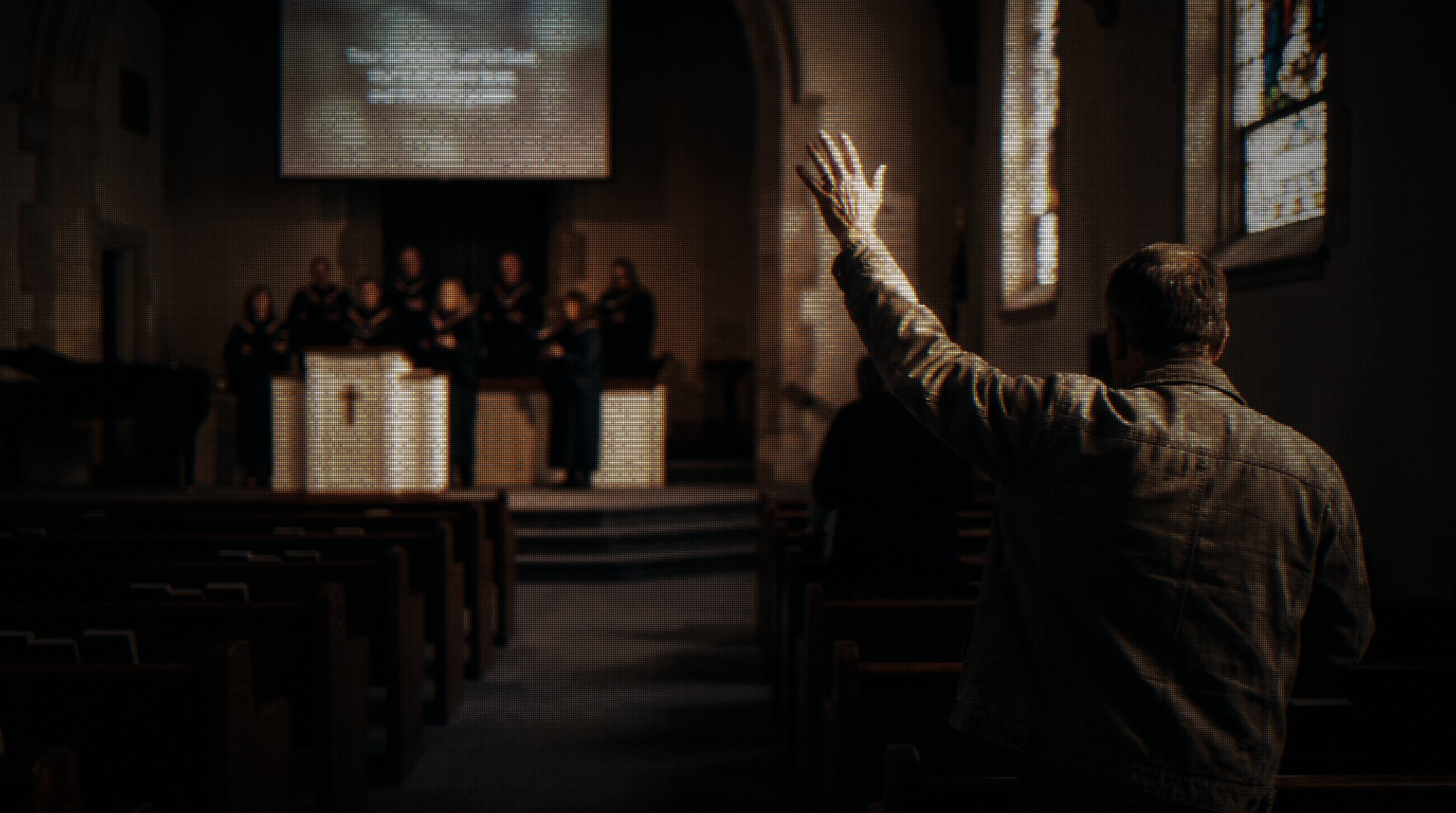
How Pewbeam gave a Queensland church its Sundays back
READ THEIR STORY
Your gift.
Their next Sunday.
Give a church the tools to spend less time managing slides and more time serving its congregation.

Your gift.
Their next Sunday.
Give a church the tools to spend less time managing slides and more time serving its congregation.
GIFT A CHURCH NOWGot questions?
we have answers
Choose Plus or Core and a one-month or one-year term. Enter the church’s name and recipient email, add an optional message, and complete checkout.
After payment is confirmed, we email the recipient a license key and instructions to download and activate Pewbeam. You receive a gift confirmation by email.
Plus supports one active device and up to 4 display outputs. Core supports up to 3 active devices and 6 display outputs. Both include unlimited transcription, AI slides, and optional offline mode.
Choose one month or one year of access when selecting your plan. The price for your chosen term is shown before checkout.
Yes. Add a message when you personalize your gift, and we’ll include it in the recipient’s gift email.
Contact hi@pewbeam.com with the email you used at checkout and the church’s name so we can help.
Got questions?
we have answers
Choose Plus or Core and a one-month or one-year term. Enter the church’s name and recipient email, add an optional message, and complete checkout.
After payment is confirmed, we email the recipient a license key and instructions to download and activate Pewbeam. You receive a gift confirmation by email.
Plus supports one active device and up to 4 display outputs. Core supports up to 3 active devices and 6 display outputs. Both include unlimited transcription, AI slides, and optional offline mode.
Choose one month or one year of access when selecting your plan. The price for your chosen term is shown before checkout.
Yes. Add a message when you personalize your gift, and we’ll include it in the recipient’s gift email.
Contact hi@pewbeam.com with the email you used at checkout and the church’s name so we can help.